Run the Installer: Locate the downloaded installation package (usually an .exe file) and double-click to start the process.
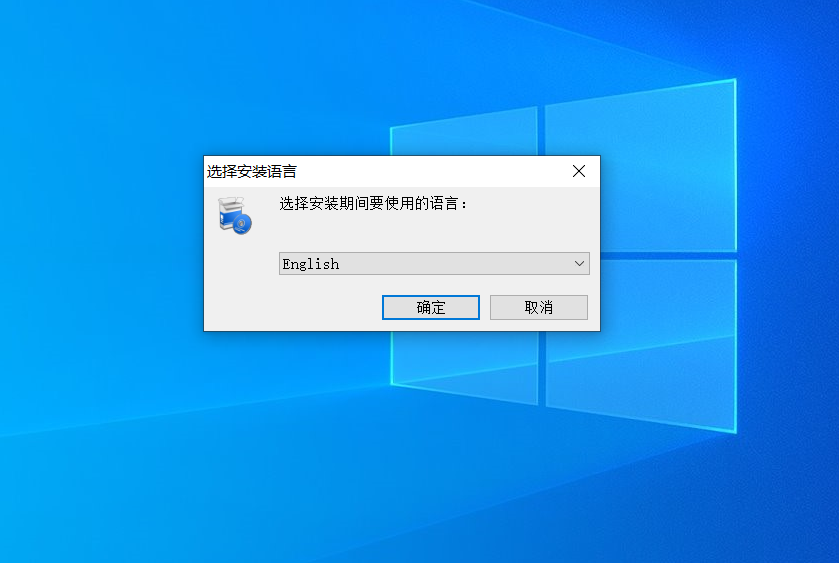
Choose Language(Optional): If prompted, select your preferred language from the dropdown menu and click “OK” or “Next” to continue.
When the installer asks for a language, choose your preferred language and click “OK” or “Next” to continue.
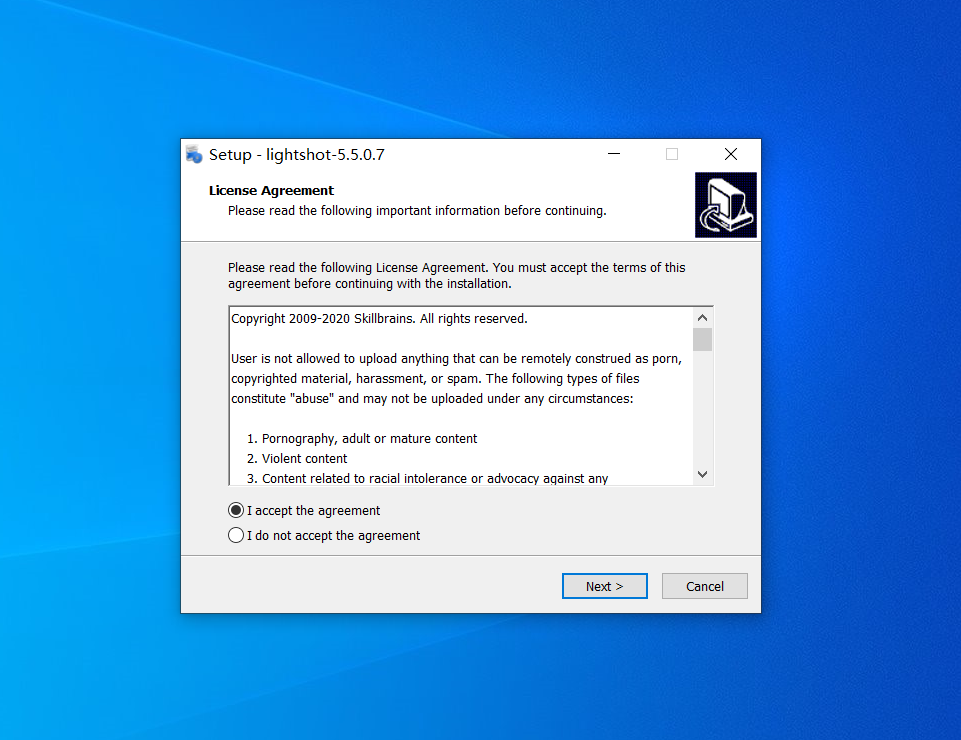
Agree to the License: Review the terms and conditions (EULA), and click "Next" or "I Accept."
On the license agreement screen, read the terms and then click “I Accept” or “Next” to proceed.
Choose Installation Location:
Beginner Recommendation: Use the default installation path (usually C:\Program Files).
Advanced: If you are running low on C: drive space, you can click "Custom" or "Browse" to change the location to a data drive (like D:).
Watch out for “Bundled Software”:
Crucial Step:Carefully read every screen! When asked if you want to “Also install XX Optimizer” or “Set XX as my default search engine,” be sure to uncheck these options or choose “Custom Installation” to prevent unwanted software from being installed.
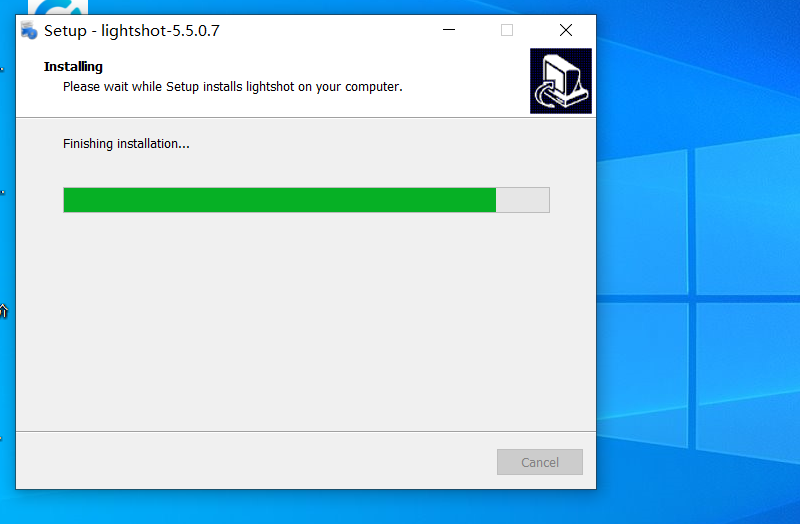
During installation, watch the progress bar until the setup reports that it has finished.
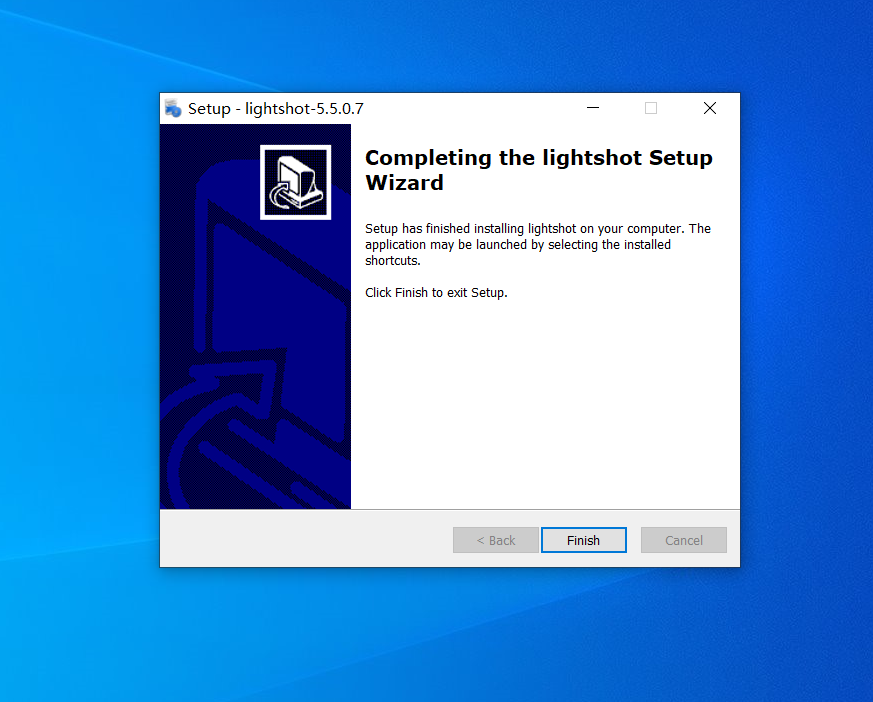
Complete the Installation: Wait for the progress bar to finish and click "Finish."
When the installer shows the completion screen, click “Finish” to close the wizard and start using the software.