- Microsoft Store
- Advantage: Safest and cleanest method. Apps are officially vetted by Microsoft; installation/uninstallation is seamless, and they are usually free of bundled junkware or rogue plugins.
- Recommendation: Beginners should prioritize downloading common apps (like chat apps, simple games, media tools) from here.
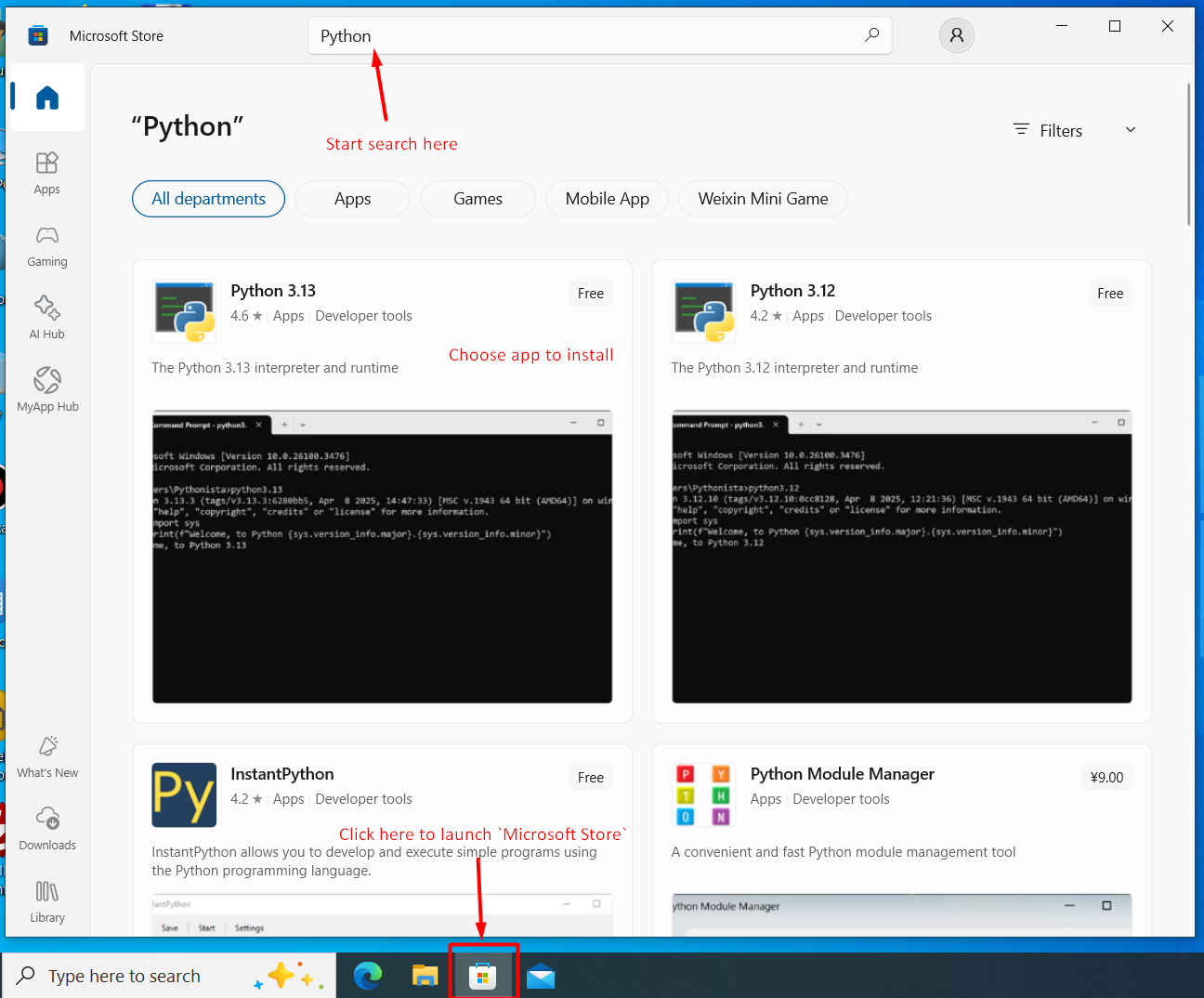
Search for apps in the Microsoft Store using the search box at the top of the window.
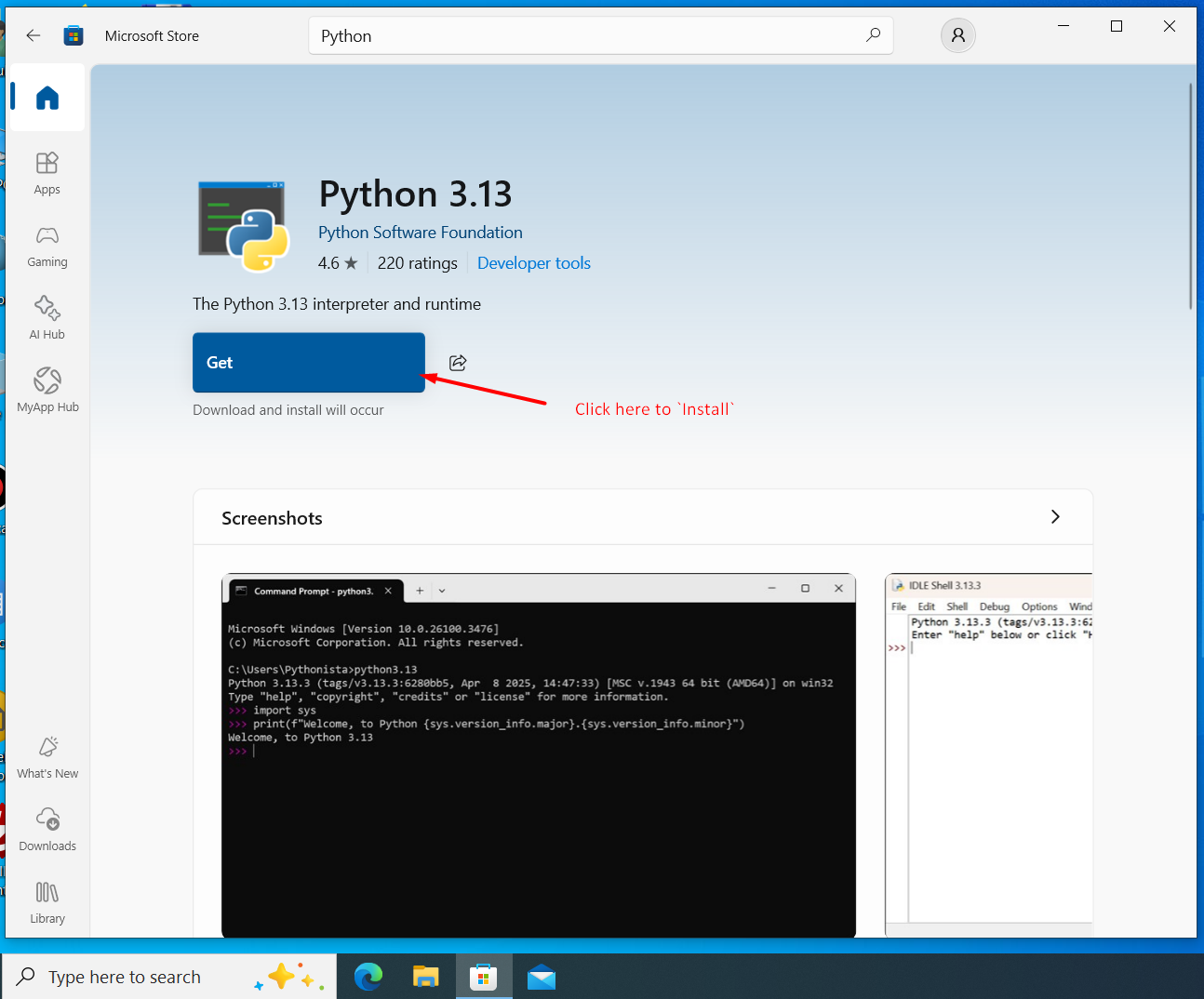
Click the Get or Install button to download and install apps from the Microsoft Store.
- Official Website Download (.exe / .msi)
- Advantage: Provides full-featured, standard desktop software (e.g., browsers, professional office suites).
- Advice: Always download from the software's official website. Avoid third-party download sites and "high-speed downloaders," as they are often used to bundle unwanted software.
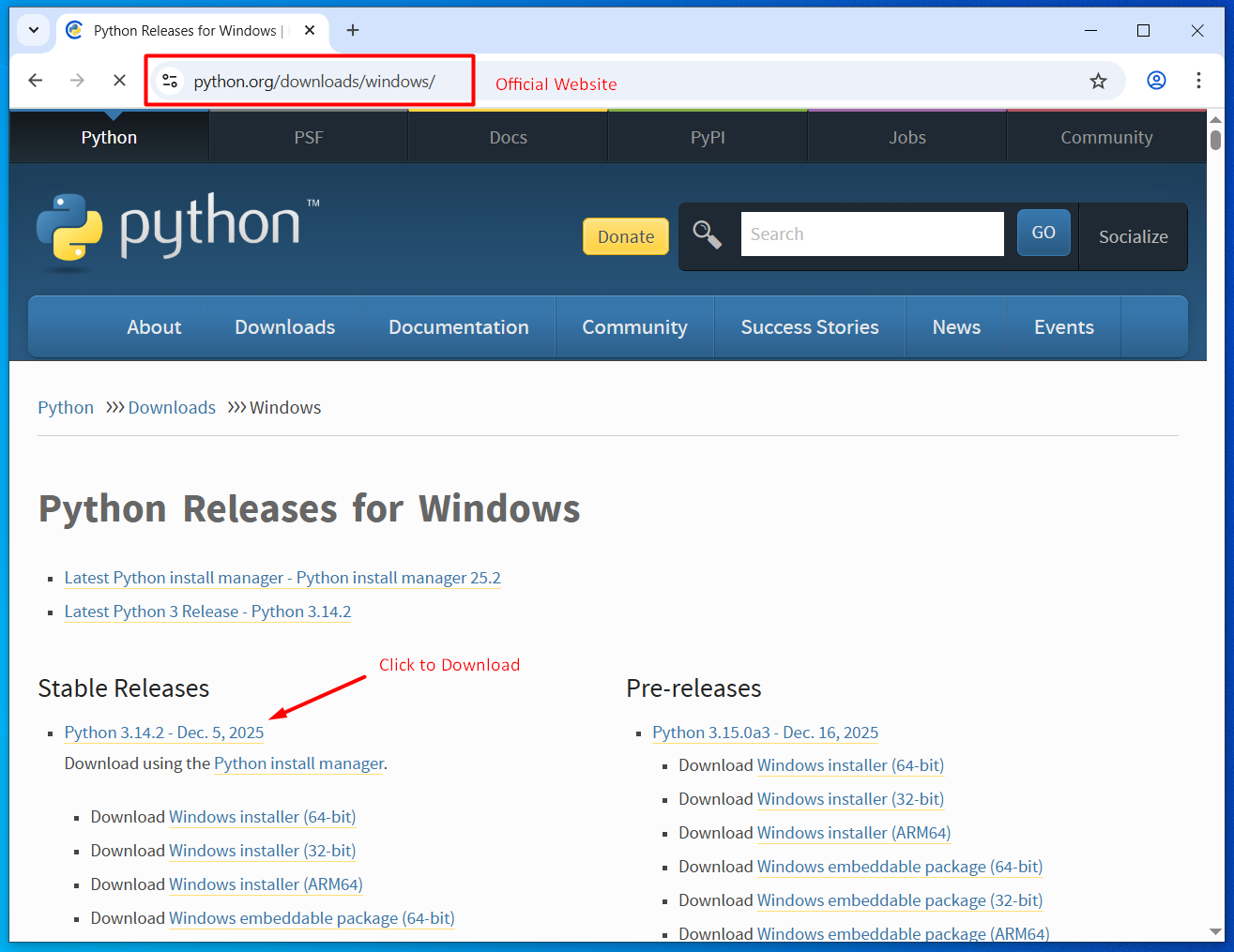
Visit the software's official website to find the correct version for your system.
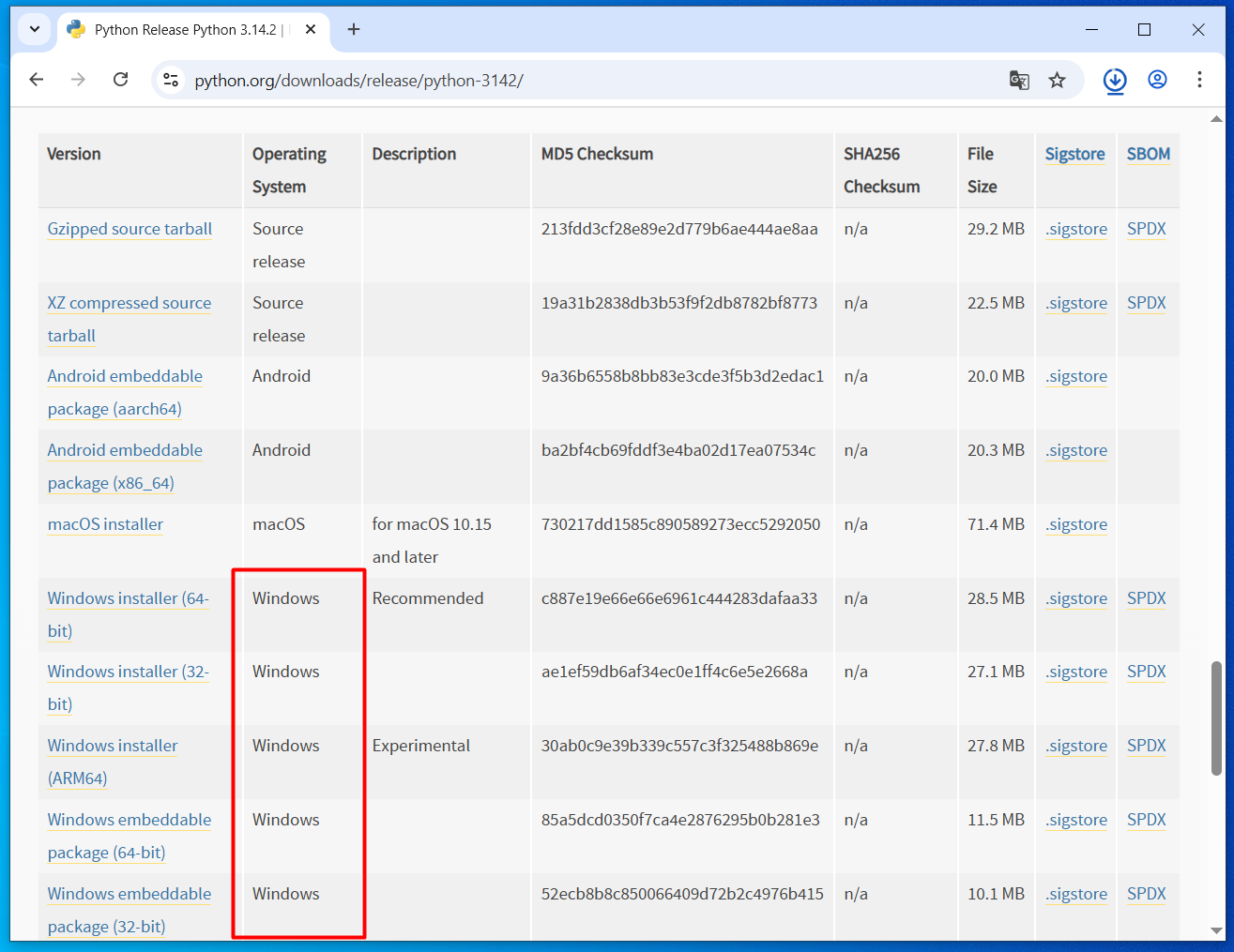
Click the download button on the official website to get the installation package (.exe or .msi file).
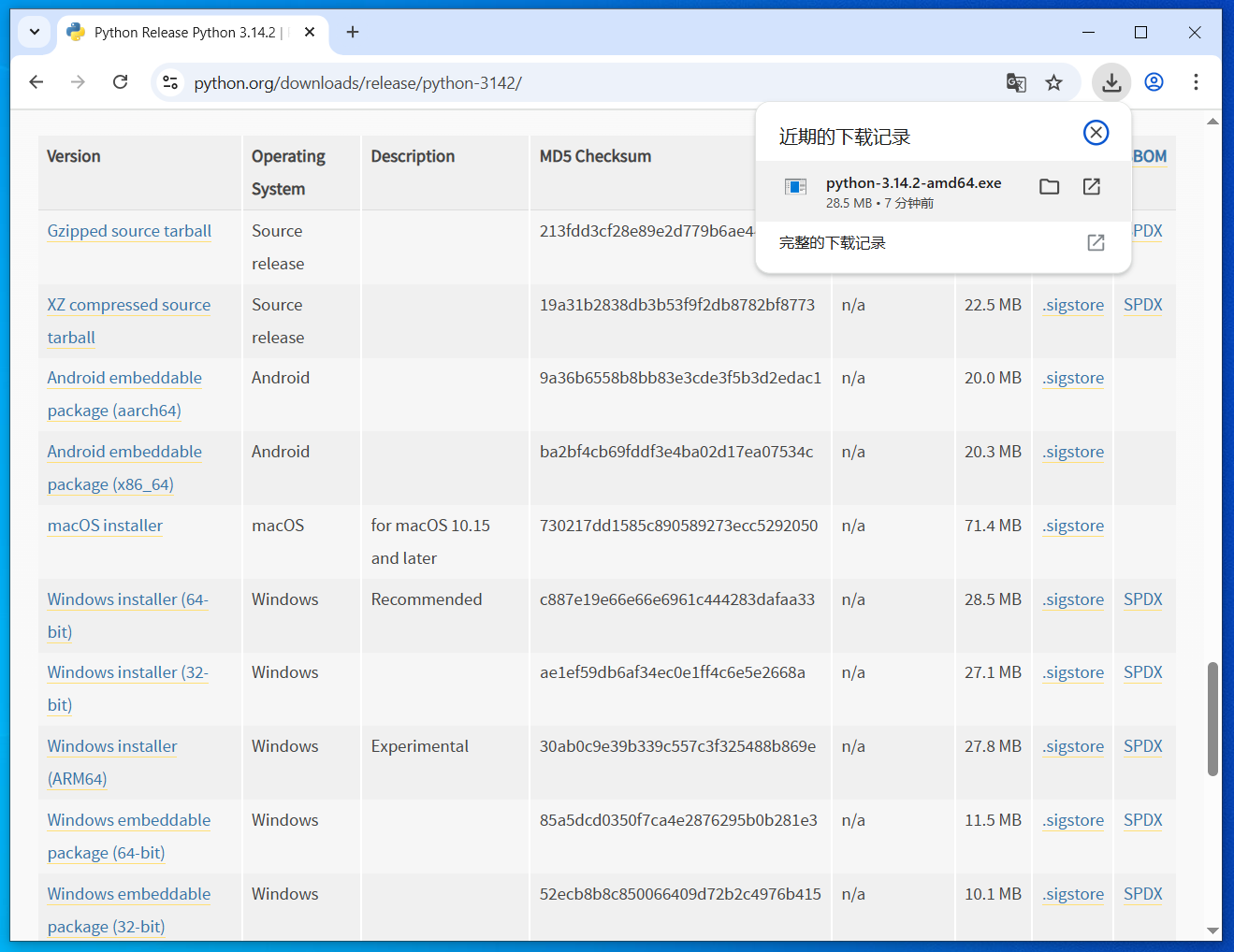
Double-click the downloaded installer file (.exe or .msi) to launch the installation wizard.
- Compressed File (.zip / .rar)
- Some small, portable utilities (that run without formal installation) are distributed this way. You must first use a compression tool (like 7-Zip or WinRAR) to decompress (extract) the files before you can run the program.
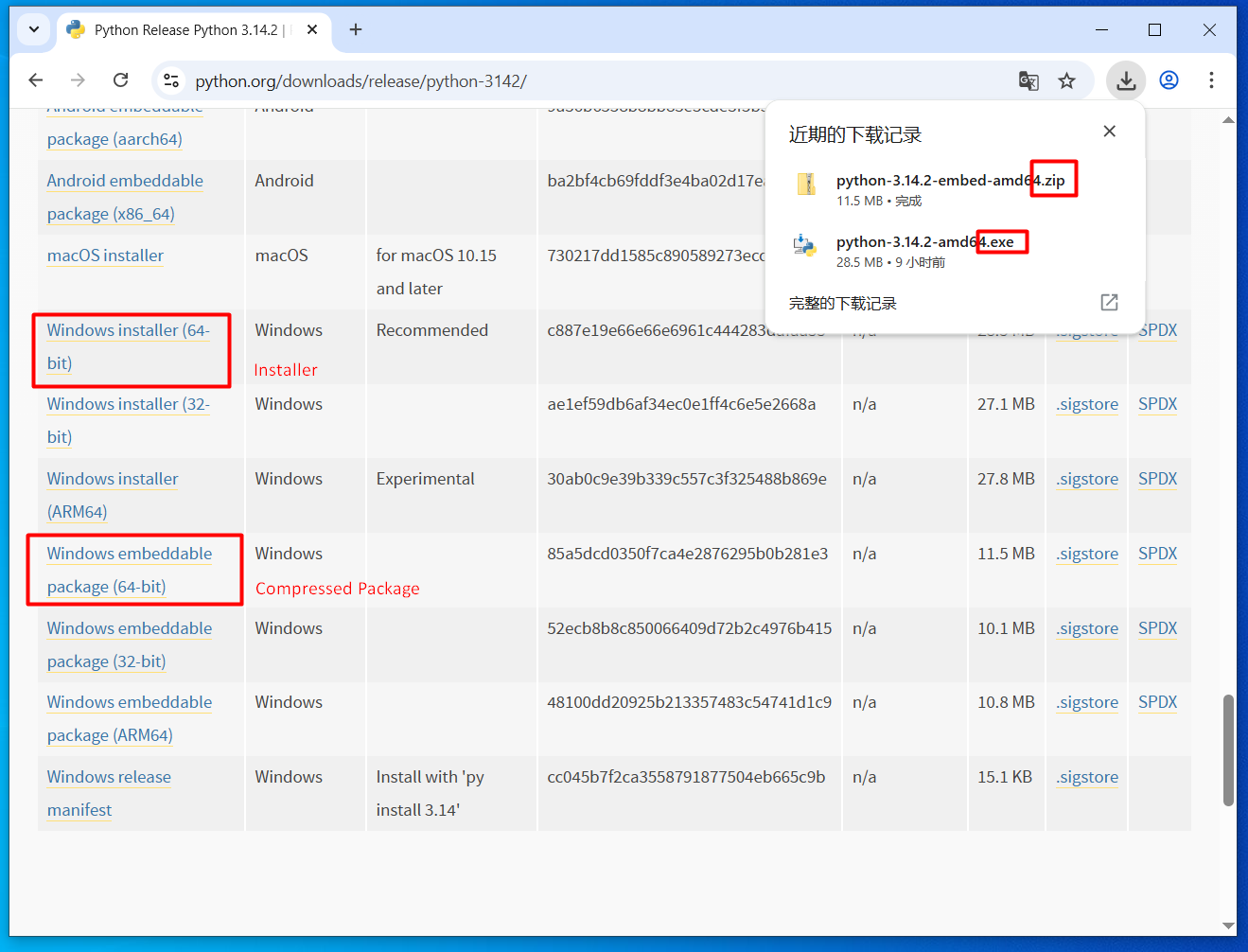
After downloading a compressed file, you need to extract it using a compression tool like 7-Zip or WinRAR before you can run the program.