- Scaling (Scale and layout): Adjusts the overall size of all text, application interfaces (UI), and icons on the screen. If the default text is too small, increasing the scaling percentage will make everything larger and more readable.
- Resolution: Determines the clarity (number of pixels) of the screen. Always select the highest setting marked with (Recommended) by the system for the sharpest display quality.
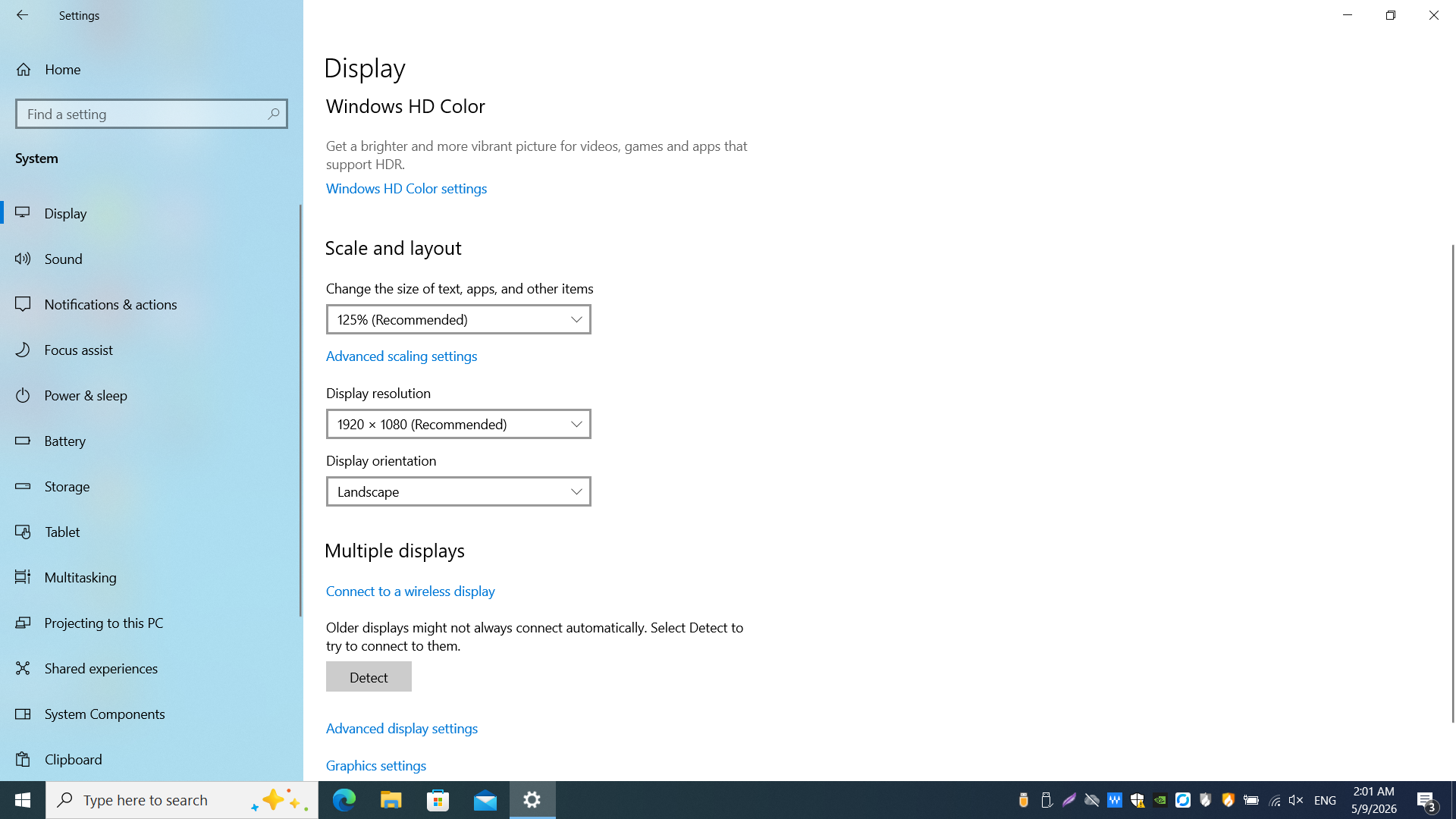
Scale and layout sets text and UI size; Display resolution and Display orientation appear on the same page. Prefer options marked (Recommended).