- Open this page (keyboard, step by step):
- Press
Win + Rto open the Run dialog. - Type
ms-settings:displayin the box. - Press
Enter. Windows opens Settings > System > Display directly.
- Press
- Alternative path: Press
Win + Ito open Settings, then choose System and Display. Or pressWin + I, typedisplay(ornight light) in the search box at the top, then pressEnteron the matching result. - Brightness Adjustment: Controls the intensity of the screen backlight. Laptops often use function keys or a slider in Settings for adjustment.
- Night Light: When enabled, it reduces the blue light spectrum emitted by the screen, giving the image a warmer, more yellowish tint. Highly recommended for use in the evening to reduce eye strain and promote better sleep.
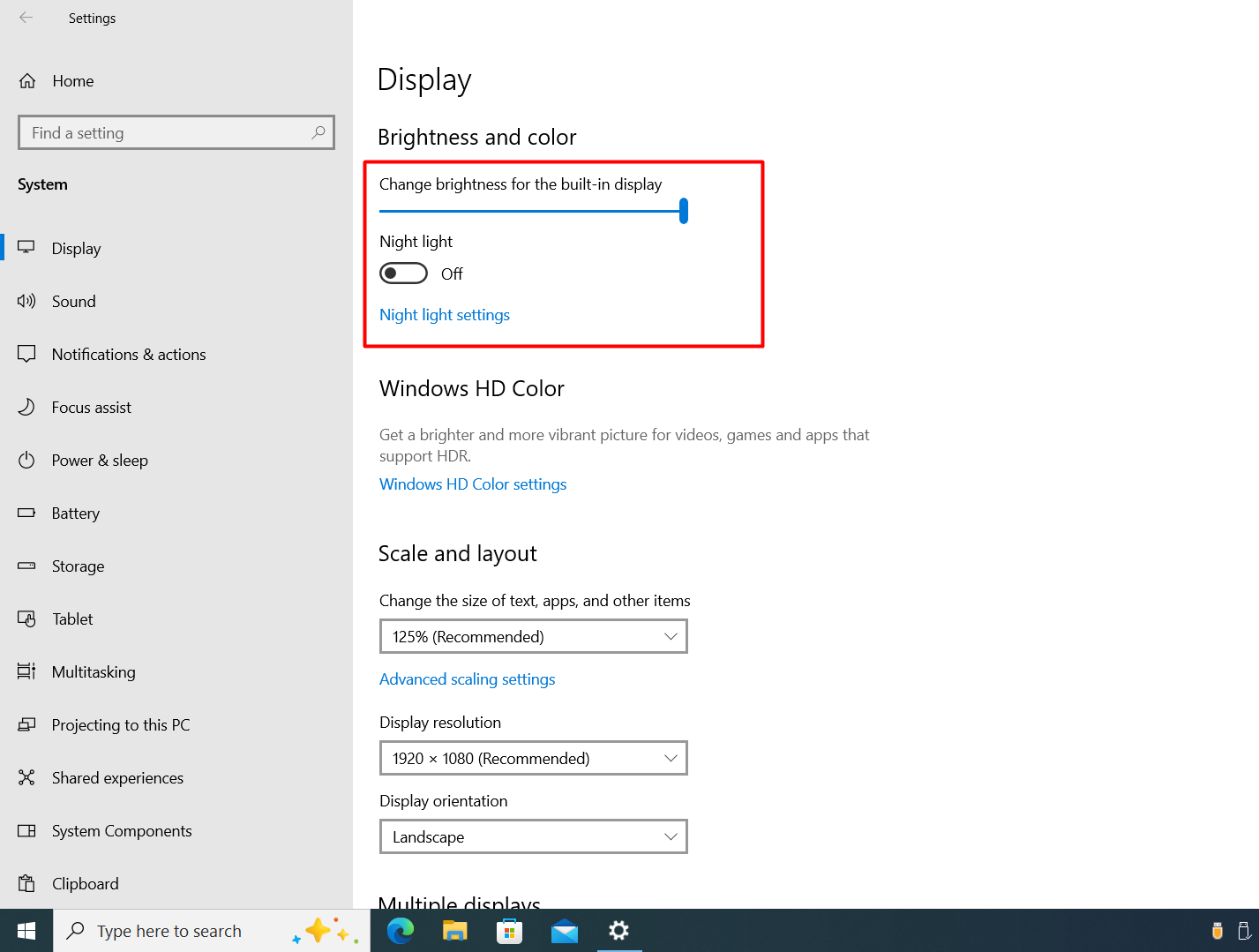
In Settings > System > Display, use Brightness and color for the brightness slider and the Night light switch.