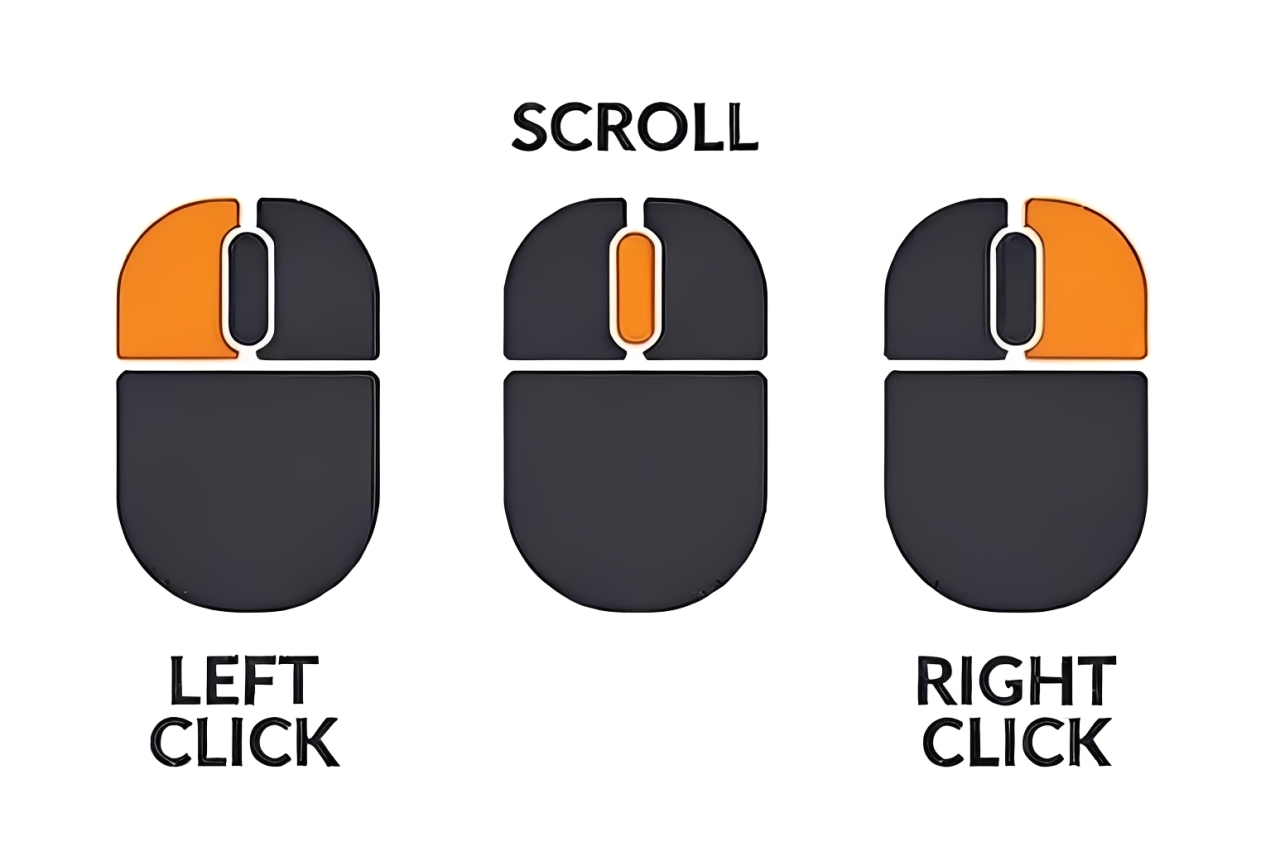
Practice these core mouse actions to confidently interact with Windows: left-click, right-click, double-click, scroll, and drag-and-drop.
Left-Click (Select/Activate): A single click is used to select an item, highlight a menu option, or activate a button.
Right-Click (Context Menu): Opens a menu with actions specific to the object clicked (e.g., "Copy," "Delete," "Properties").
Scroll: Used to move the viewable content up or down (vertically) or sometimes side-to-side (horizontally) within a window or document, without changing the cursor's position. This is typically done using the scroll wheel located between the two main mouse buttons.
Double-Click: Two rapid left clicks, typically used to open a folder or run an application.
Drag-and-Drop: Holding down the left button while moving the mouse, used to move files or select multiple adjacent items by drawing a selection box.