Win: Opens the Start Menu.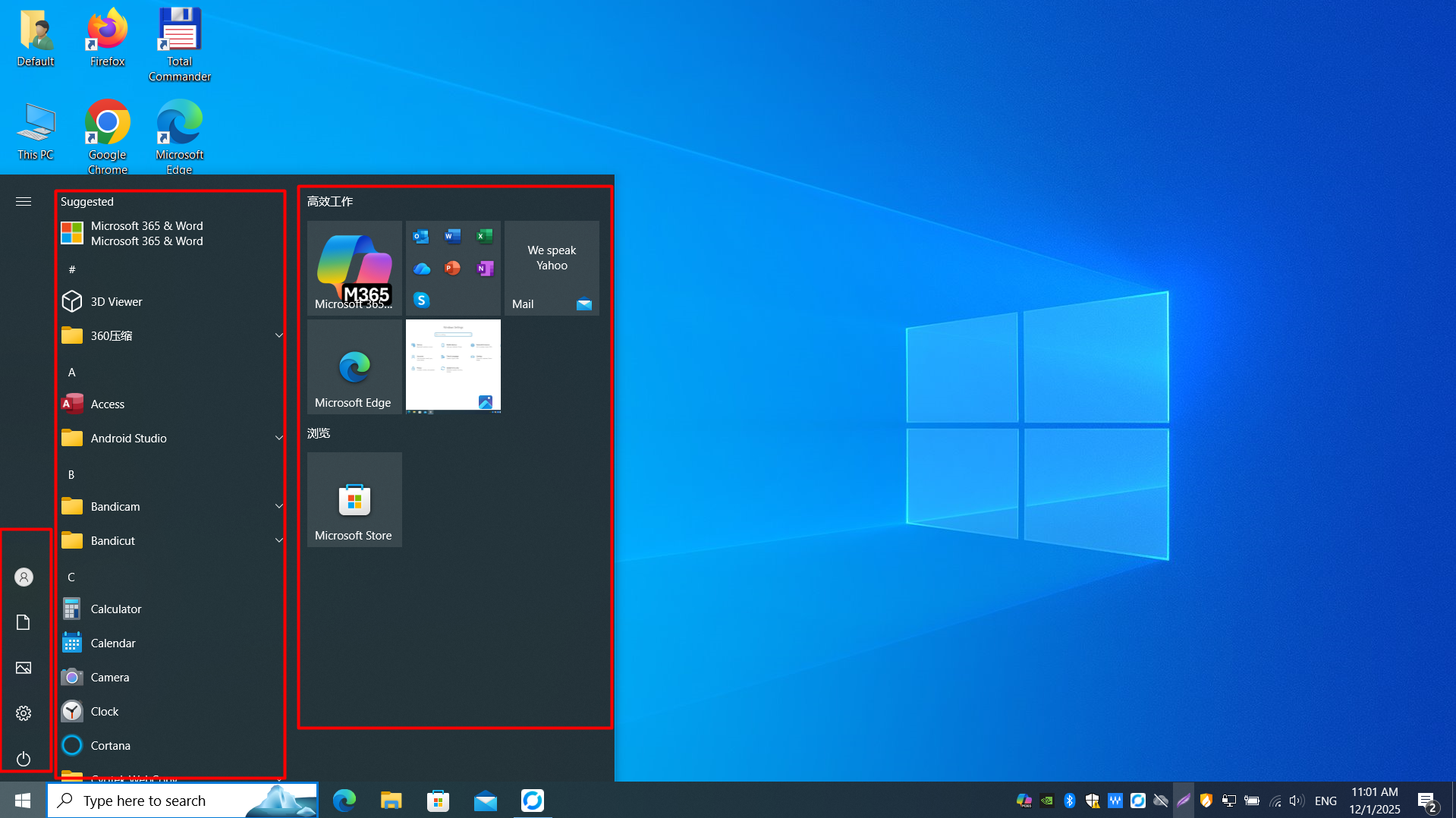 Press the Win key to open the Start Menu, where you can search, browse apps, and access power options.
Win + R: Opens the "Run" dialog box (often used for quick command execution).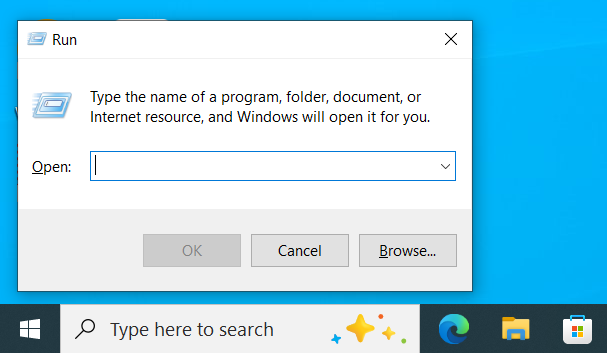 Use Win + R to quickly open the Run dialog and launch tools or system commands by name.
Win + ↑: Maximizes the current window.Win + ↓: Minimizes the current window (or restores a maximized window).Win + ← / Win + →: Snaps the window to the left or right half of the screen for quick split-screen viewing.Win + Tab: Opens Task View (shows all open windows, Virtual Desktops, and your activity history).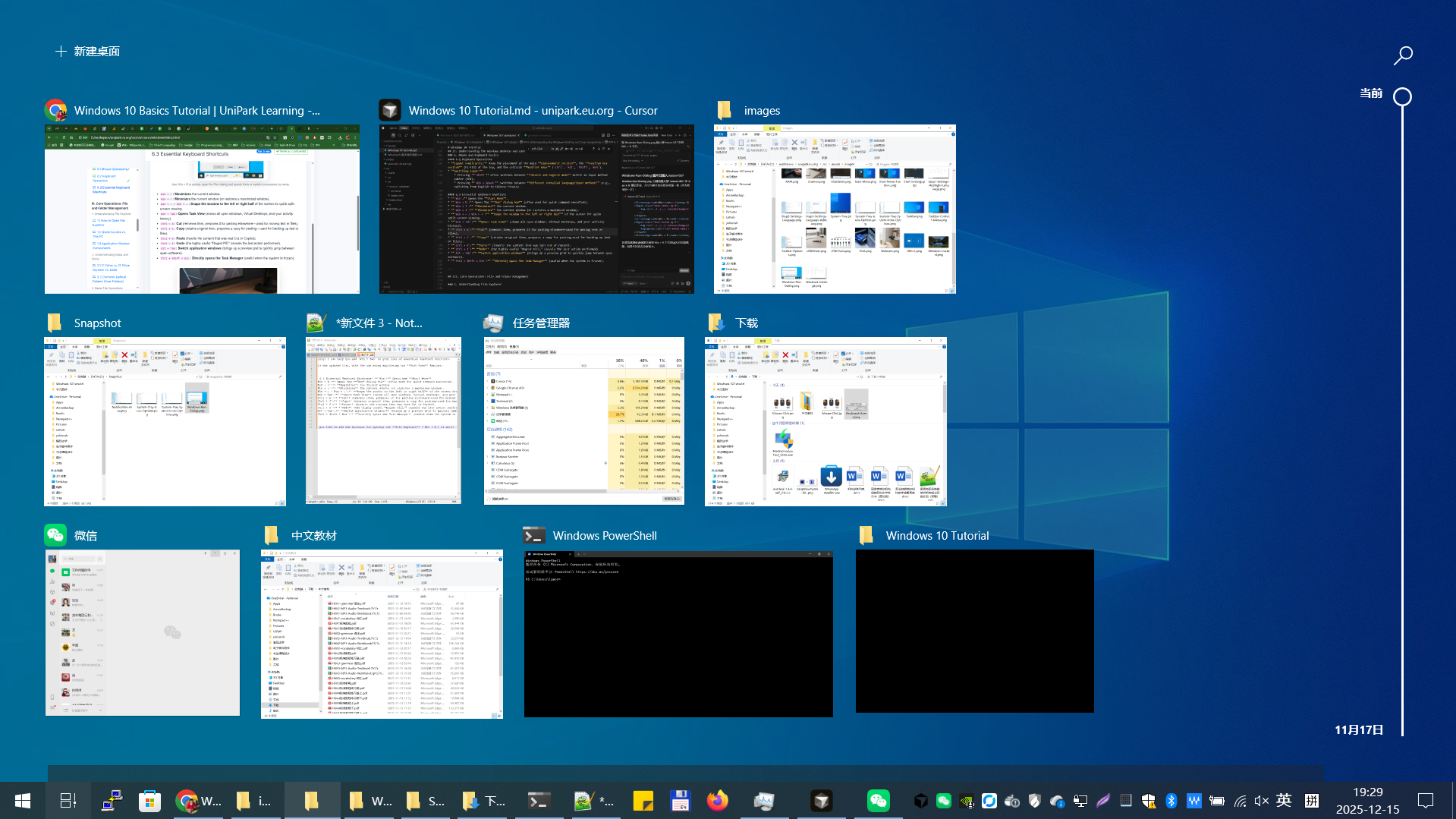 Press Win + Tab to open Task View, see all open windows, and switch or create Virtual Desktops.
Ctrl + X: Cut (removes item, prepares it for pasting elsewhere—used for moving text or files).Ctrl + C: Copy (retains original item, prepares a copy for pasting—used for backing up text or files).Ctrl + V: Paste (inserts the content that was last Cut or Copied).Ctrl + Z: Undo (the highly useful "Regret Pill," cancels the last action performed).Alt + Tab: Switch application windows (brings up a preview grid to quickly jump between open software).Ctrl + Shift + Esc: Directly opens the Task Manager (useful when the system is frozen).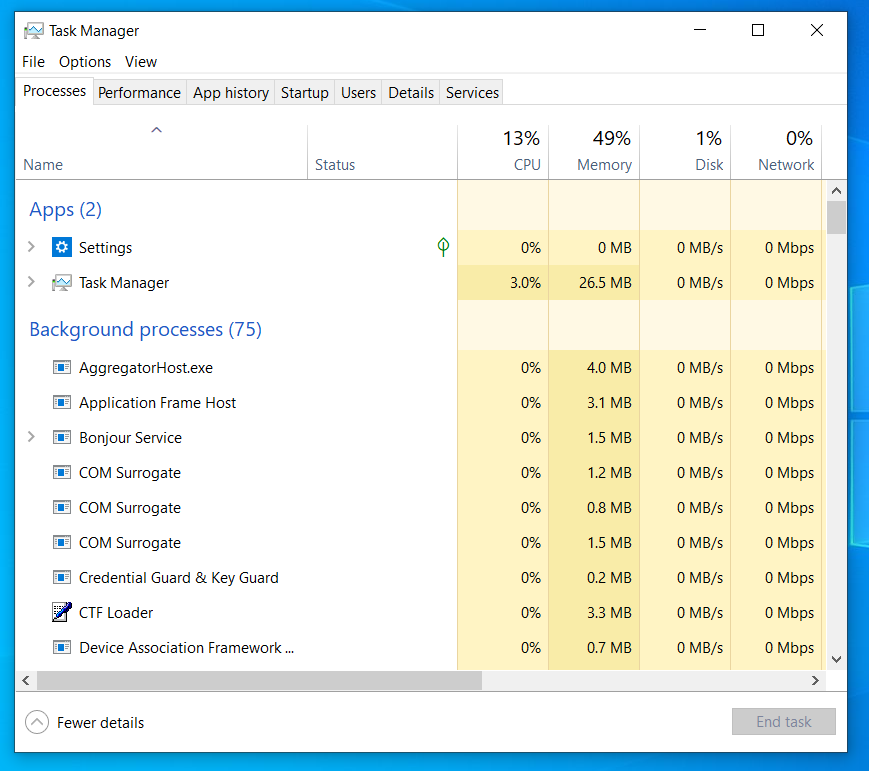 Press Ctrl + Shift + Esc to open Task Manager directly and check which apps are using system resources.
![Zoomed illustration]()