Click the Start Menu in the bottom-left corner > Click the gear-shaped "Settings" icon > Select Time & Language.
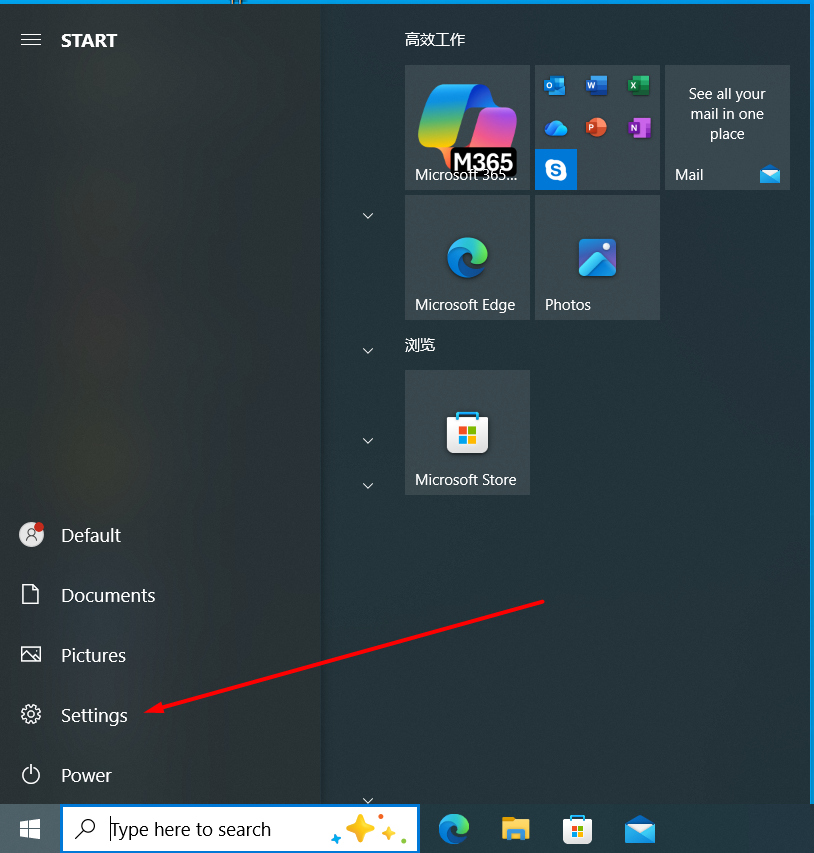
Open Settings by clicking the gear icon in the Start menu.
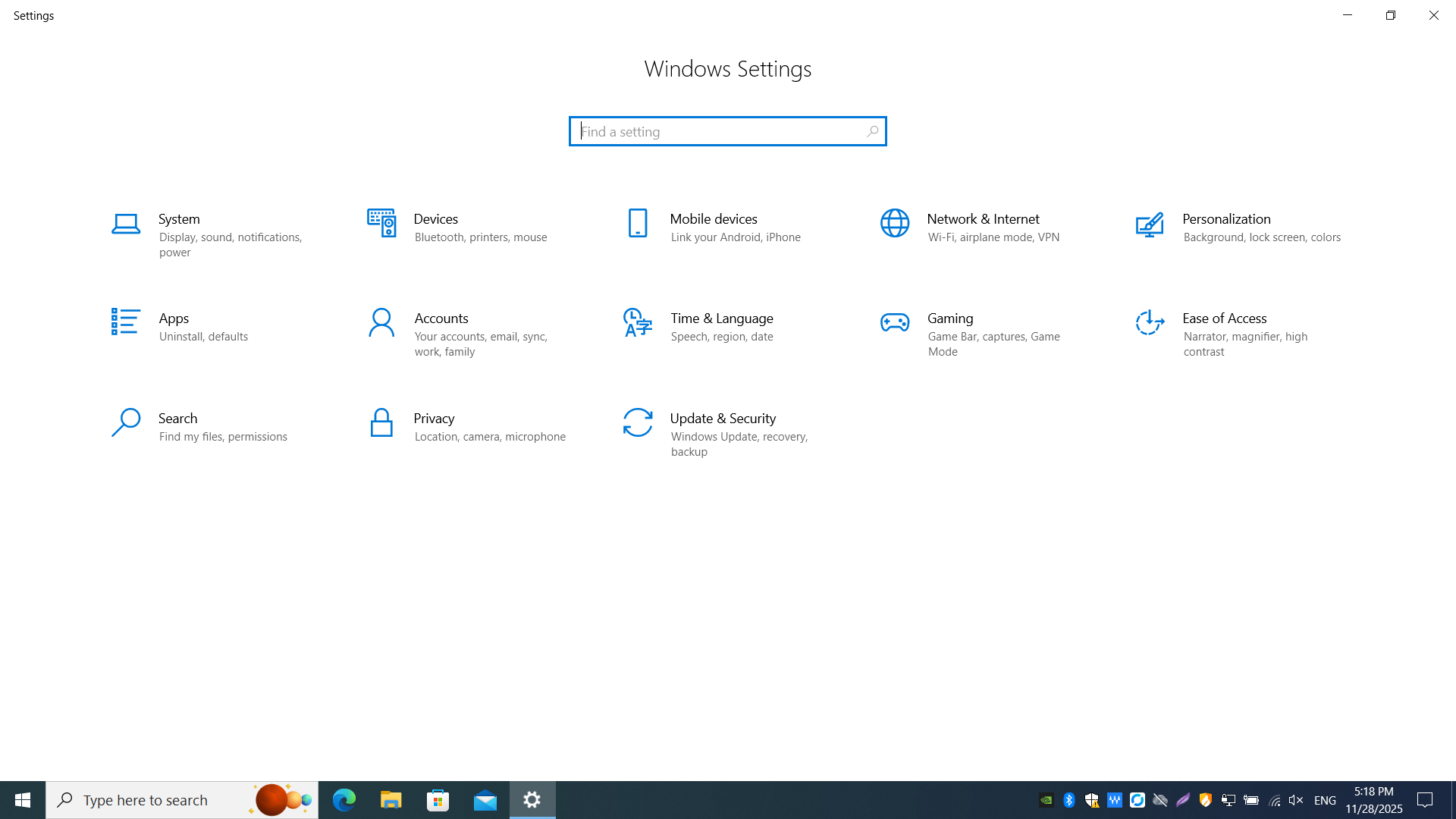
Inside Settings you can adjust system preferences such as Time & Language.