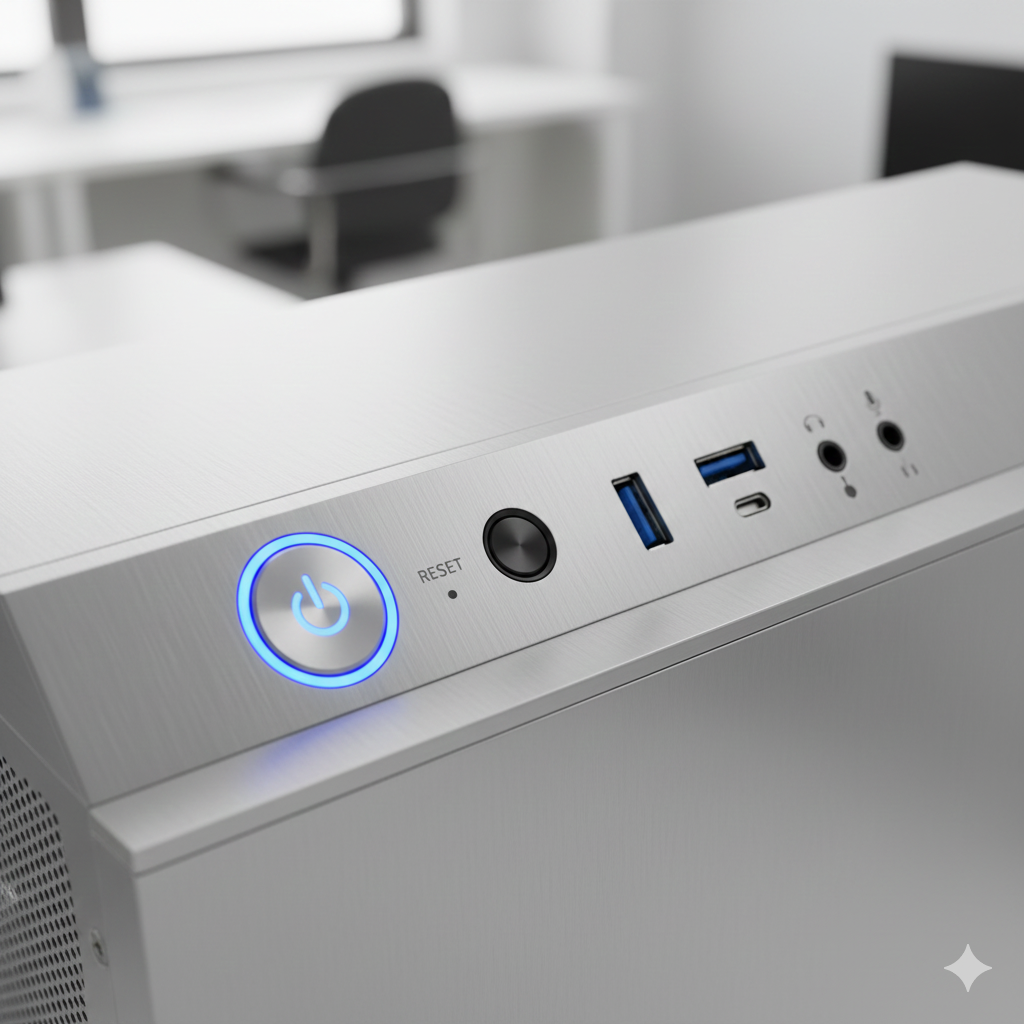
Power On: Press the power button on the case or laptop chassis.
The illuminated power and reset controls remind you where to start, shut down, or reboot the PC safely.
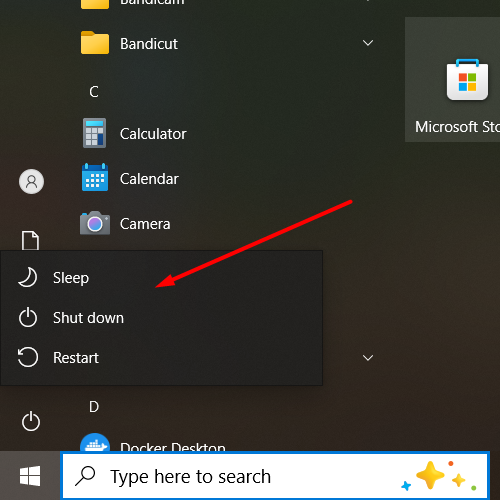
Shut Down: This is the complete process, safely closing all programs and cutting all power. The process is: Click Start Menu (Windows icon) > Power icon > Shut down.
Use the Shut down option in the Start menu to safely close all programs before turning off the PC.
Restart: A cycling process where the computer shuts down and immediately boots back up. Typically used after a system update or to resolve temporary system sluggishness.
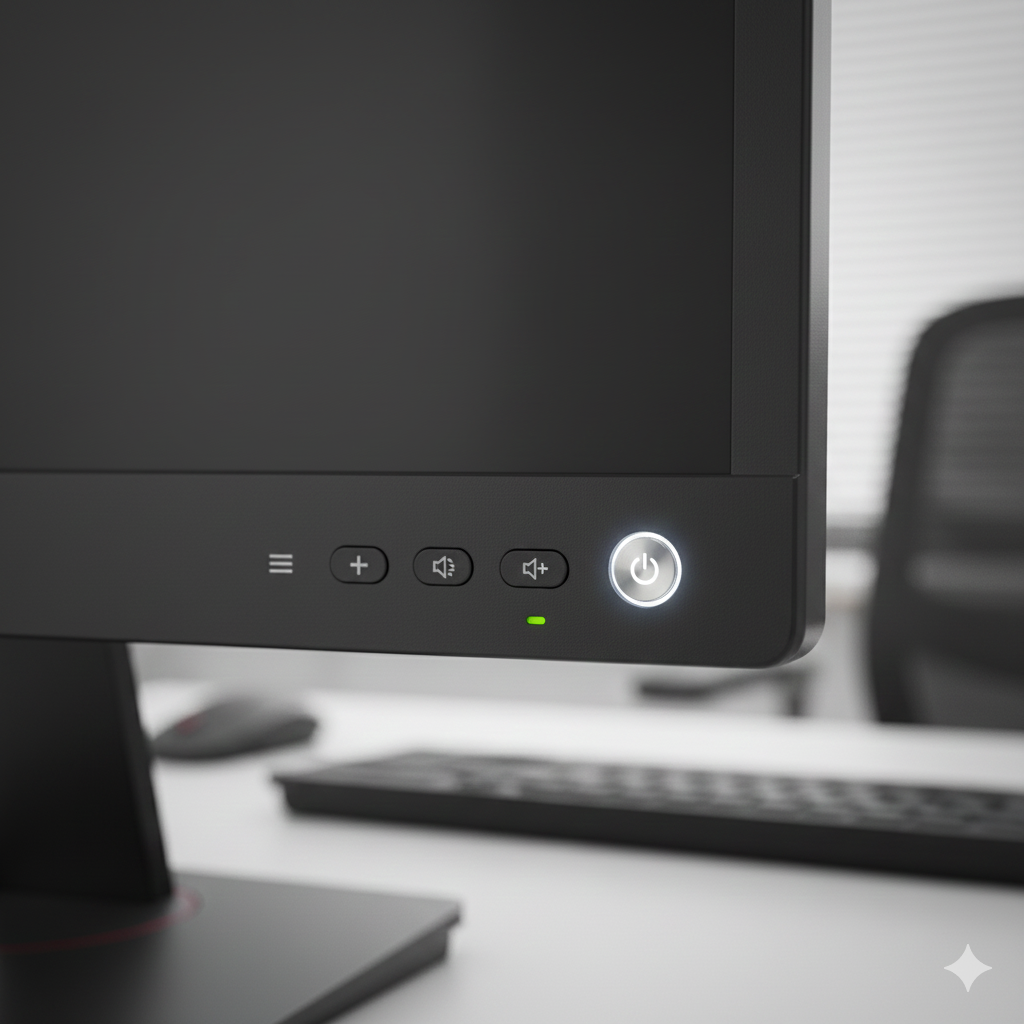
Monitor power and control buttons allow you to turn the display on/off and adjust settings.
Sleep: A low-power state used when stepping away temporarily. It saves your current work state (programs remain open), consumes minimal power, and allows for near-instant wake-up.